AllConnects is a Belgian provider of fleet and asset management software based in Kontich, in business since 2002. For construction companies, AllConnects automatically calculates the mobility allowance in accordance with PC 124: a badge reader in the vehicle identifies who is the driver and who is the passenger, and FLEET.connect links that trip to the performance records at the job site and to the Checkinatwork notification via LIVE.connect.
Mobility and yard registration automatically taken care of
Mobility alone isn’t always enough. Combine mobility tracking with Checkinatwork for your large construction sites and meet all regulatory requirements—without duplication of effort or errors. With automatic time tracking for drivers, you can finally keep track of working hours, driving times, and performance—without manual input or disputes later on.
Belgian law, fully covered
Always compliant with social security and mobility regulations—without any extra paperwork. You’re covered during any audit.
✓ 100% compliant
Calculating mobility allowances with a smile
No more mistakes. No more arguments. Always perfect.
Calculating mobility allowances correctly is a complex process. Different job sites, varying distances, and manual processing lead to errors and disputes.
Why time tracking goes wrong today:
- Manual input leads to errors
- discussion with staff
- lost billable hours
With automatic registration, everything is handled correctly—without any extra paperwork or interpretation.
AllConnects calculates the travel allowance based on the actual distance traveled and the actual travel time, so that the rate specified in PC 124 is correct without HR having to do any additional calculations.
Time tracking automatically synced, eliminating duplicate work
Benefits of the AllConnects digital tool for mobility calculations and performance tracking
Always keeping an eye on mobility
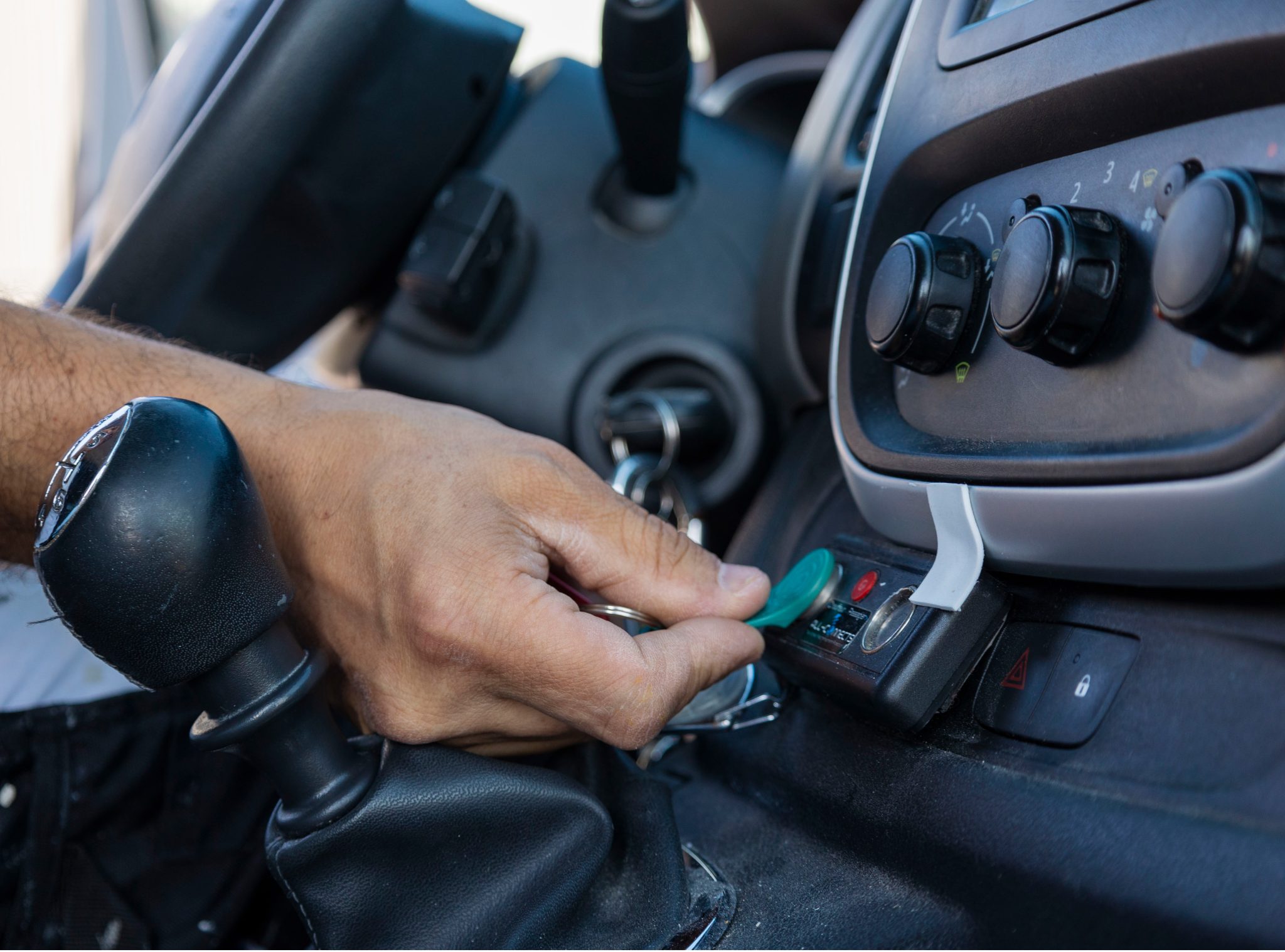
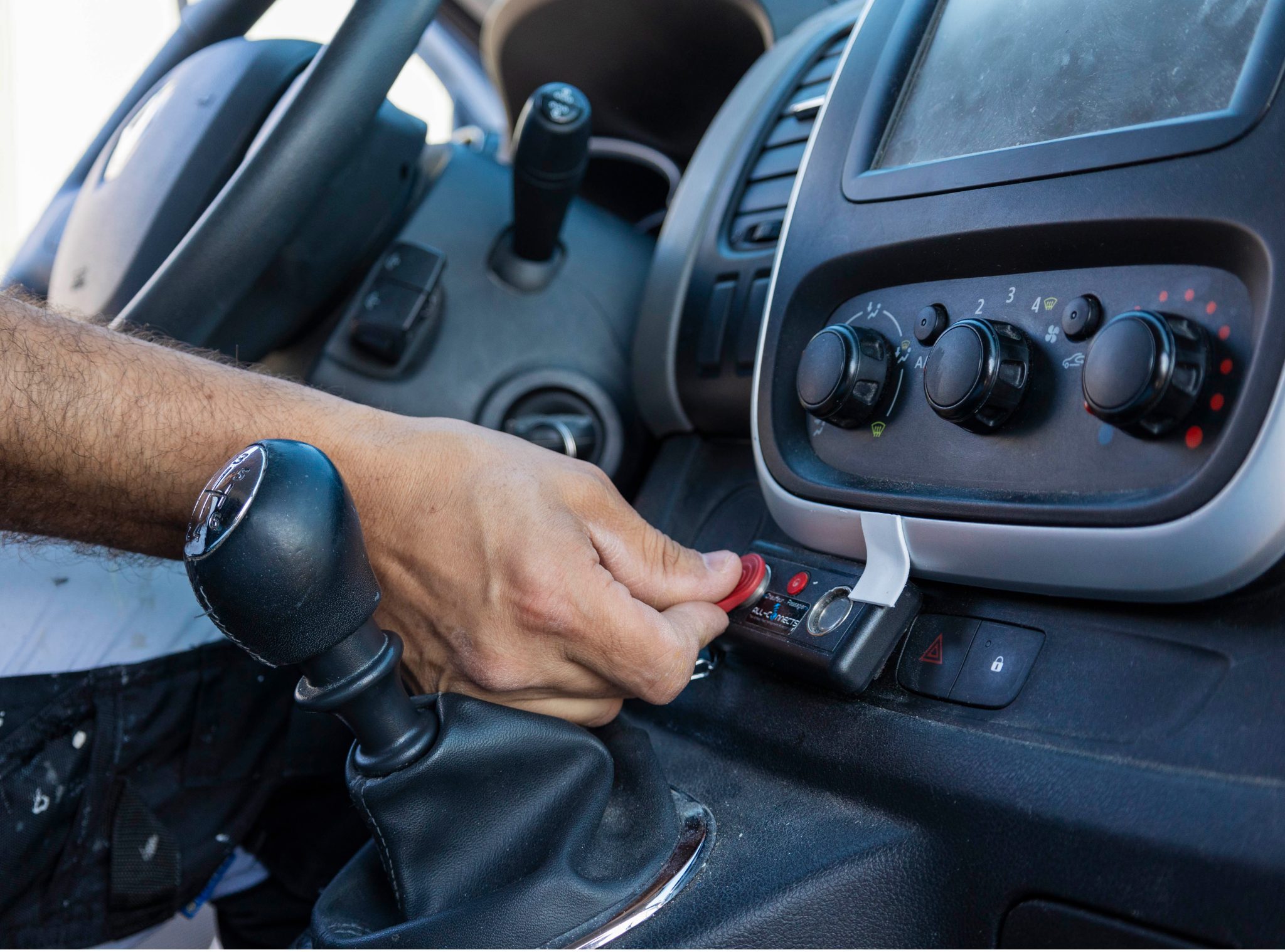
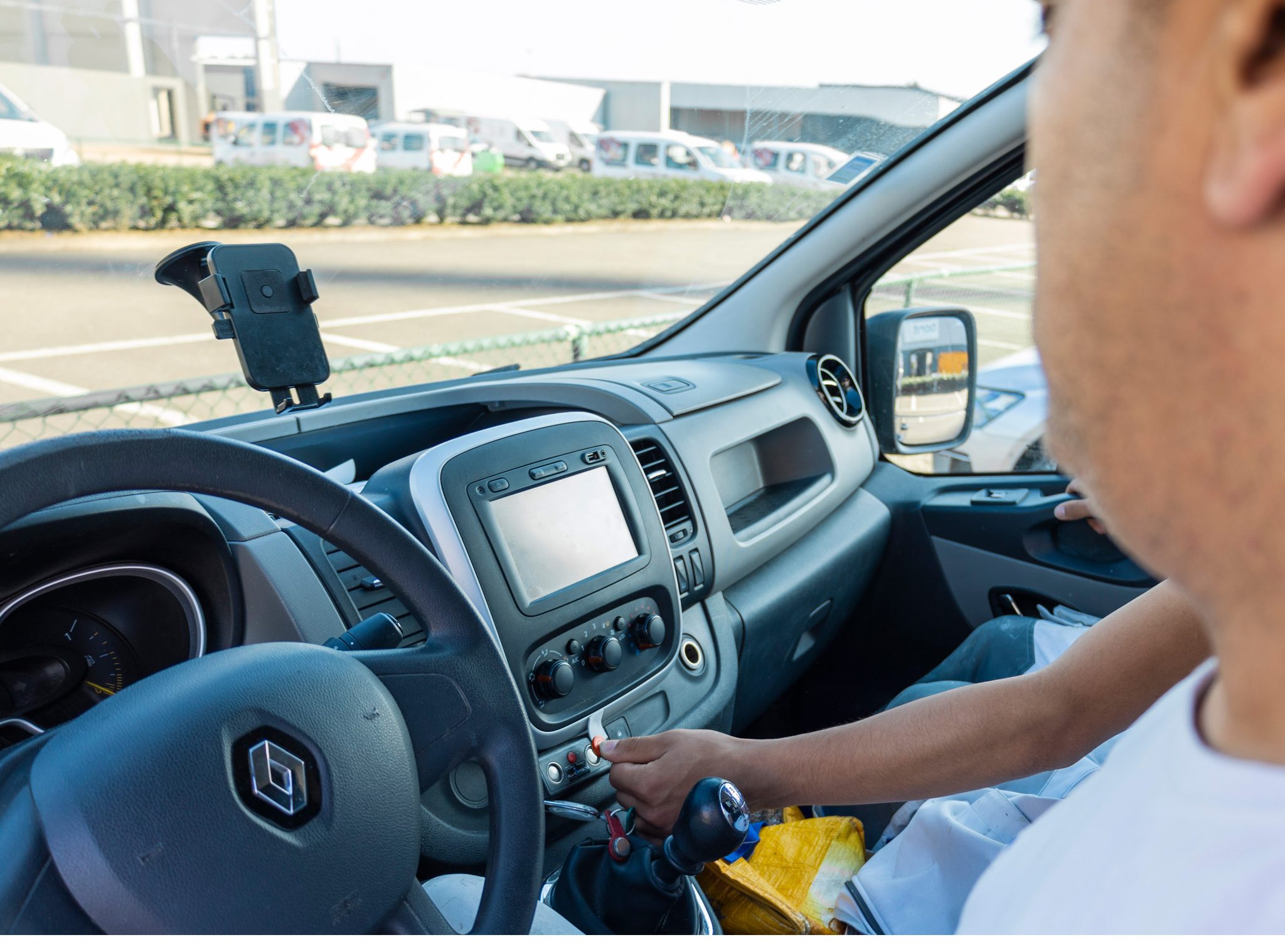
Thanks to driver identification using Dallas keys, both the driver and passengers are automatically recognized when getting in and out of the vehicle.
Less administration for HR
No more hassle with illegible work orders. Everything is automatically recorded and processed digitally.
Monitoring time commitment
Keep a close eye on unauthorized activities such as taking detours, arriving late, or idling, and improve your efficiency.
Integration with Checkinatwork
When passing through a geofence at the construction site, occupants are automatically checked in for Checkinatwork, without the need for manual registration.
Accurate recording of working hours
View completed trips and working hours by site via the dashboard. With the PrestaMob app, every employee can easily log working hours, tasks, and trips.
Privacy follows your business rules
Decide for yourself when vehicles are visible. This way, you maintain control and transparency for your employees.
Base scenario: A driver in a company vehicle picks up passenger(s) on the way to the construction site
One of the most common situations in construction. Click on a step to see more details.
1
2
Badge IN
3
Pickup
4
Badge IN
5
Shipyard
6
Badge OUT
7
Badge OUT
8
Performance start
The driver departs from his home in the company vehicle. The mobility log begins as soon as he taps his IN badge—before departure.
No badge required yetThe driver uses the green Dallas key on the left side of the badge reader. This registers him as a driver and starts the mobility log. Always do this before departure.
✓ BADGE IN — driverThe driver stops at the agreed-upon pickup location (passenger's home, carpool parking lot, etc.). The passenger gets in and has their green Dallas key ready.
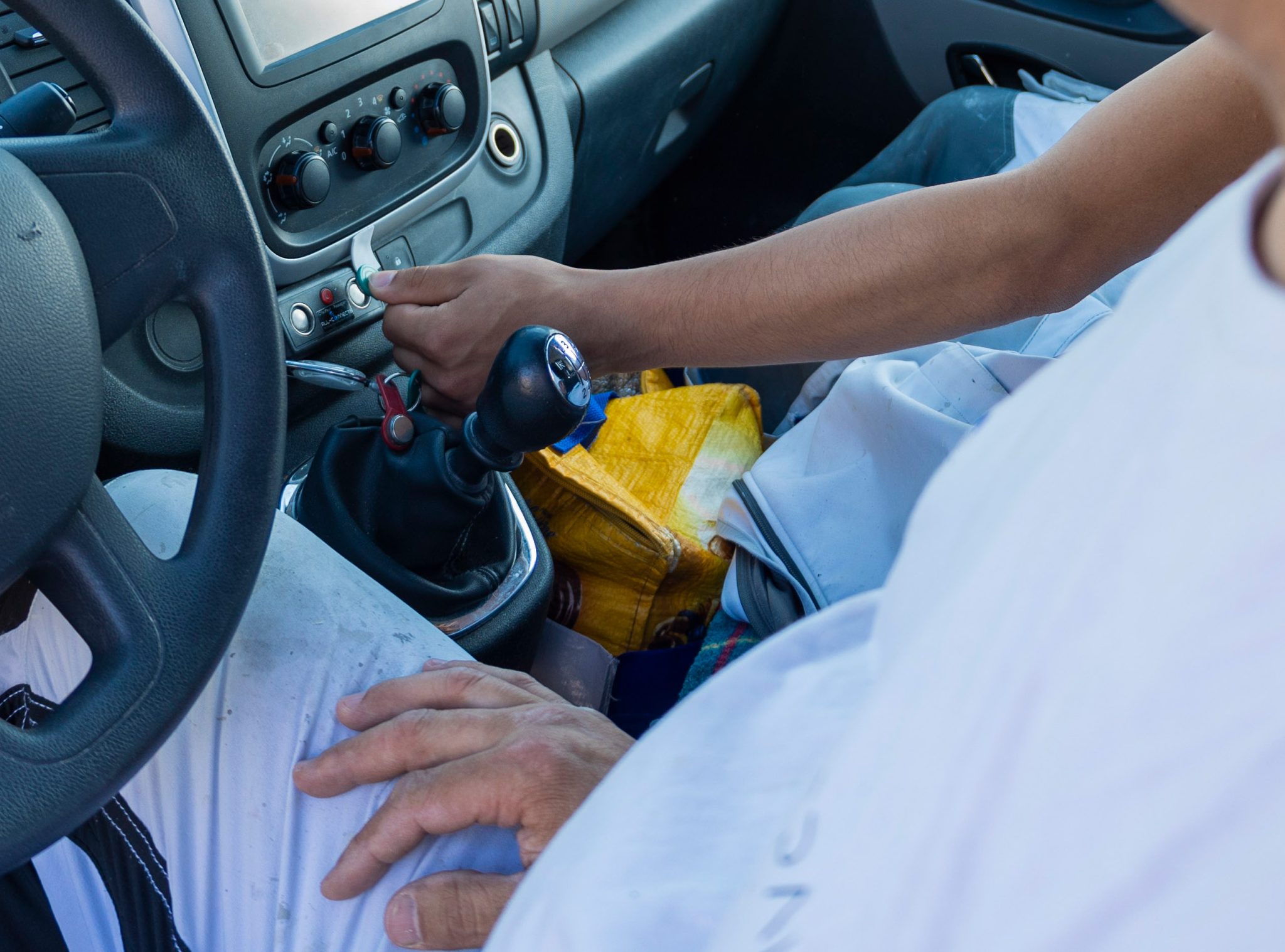
Stopover — Mobility ContinuesThe passenger uses the green Dallas key on the right side of the badge reader. From that point on, the system registers the driver as a "driver with passengers"—the highest rate, which is applied retroactively for the entire day.
✓ BADGE IN — passengerThe vehicle passes through the yard's geofence. The system records the arrival location and time. Both the driver and the passenger must now swipe their badge to exit and end the trip.
Arrival at the shipyard — OUT badge requiredThe driver uses the red Dallas key on the left side. This ends the mobility log and starts the performance log. If you forget to do this, the kilometers for that trip won't be recorded correctly.
✓ BADGE OUT — driverThe passenger also uses his red Dallas key on the left side. This registers his arrival at the yard and starts tracking his performance.
✓ BADGE OUT — passengerBoth the driver and the passenger have clocked in at the job site. Time tracking is active—all working hours are automatically recorded. The mobility allowance has been calculated and is ready.
Performance started
1
Performance stop
2
Badge IN
3
Badge IN
4
Departure
5
Drop-off
6
Badge OUT
7
Home
8
Badge OUT
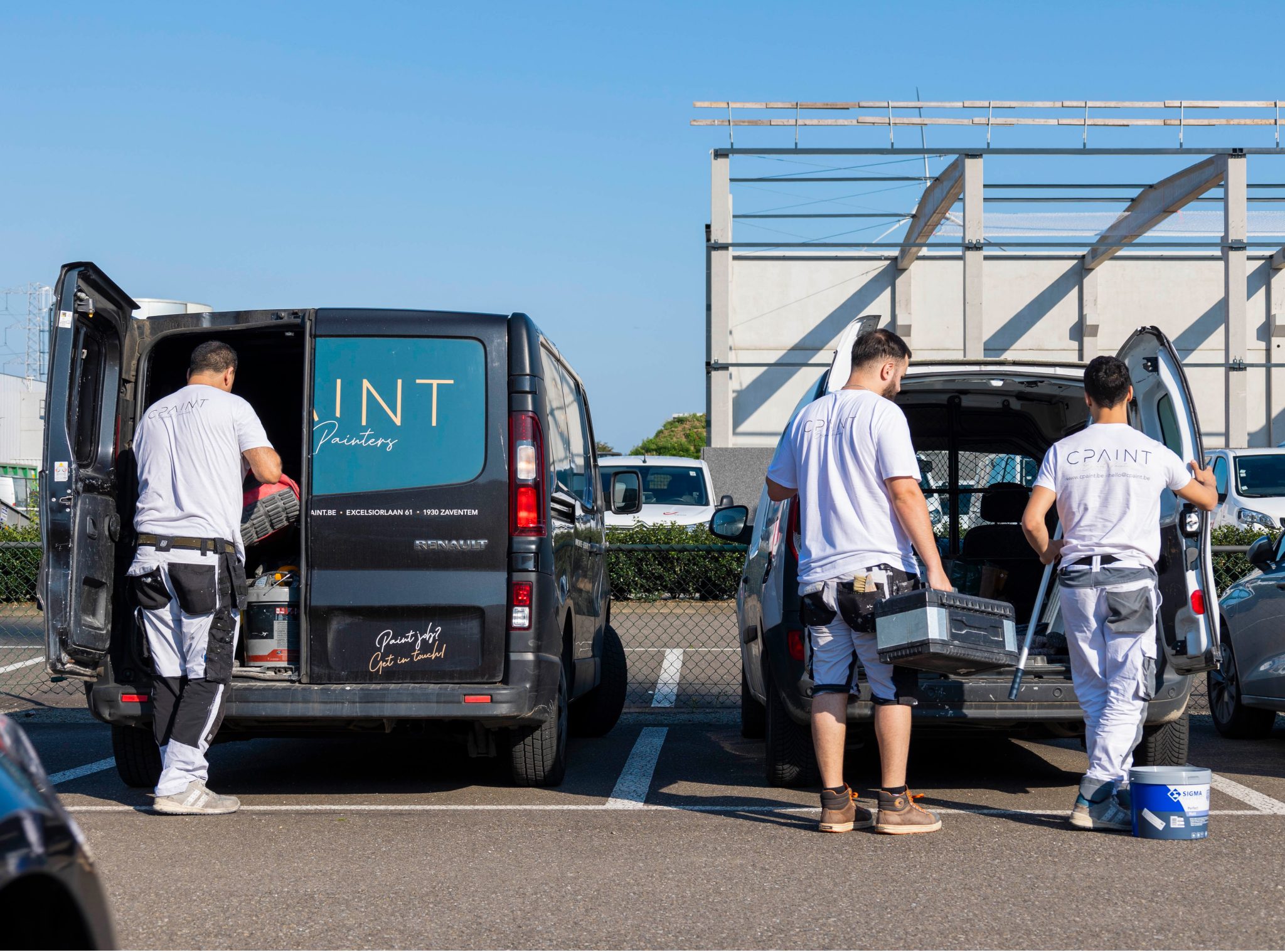
The workday at the construction site is over. The driver and passenger are loading the equipment. Evening mobility begins as soon as they swipe their badges to check in before departure.
Performances SuspendedBefore leaving the yard, the driver uses his green Dallas key on the left side. This starts the evening mobility registration.
✓ BADGE IN — driverThe passenger uses his green Dallas key on the right side. For the evening trip as well, the system registers the driver as "driver with passengers."
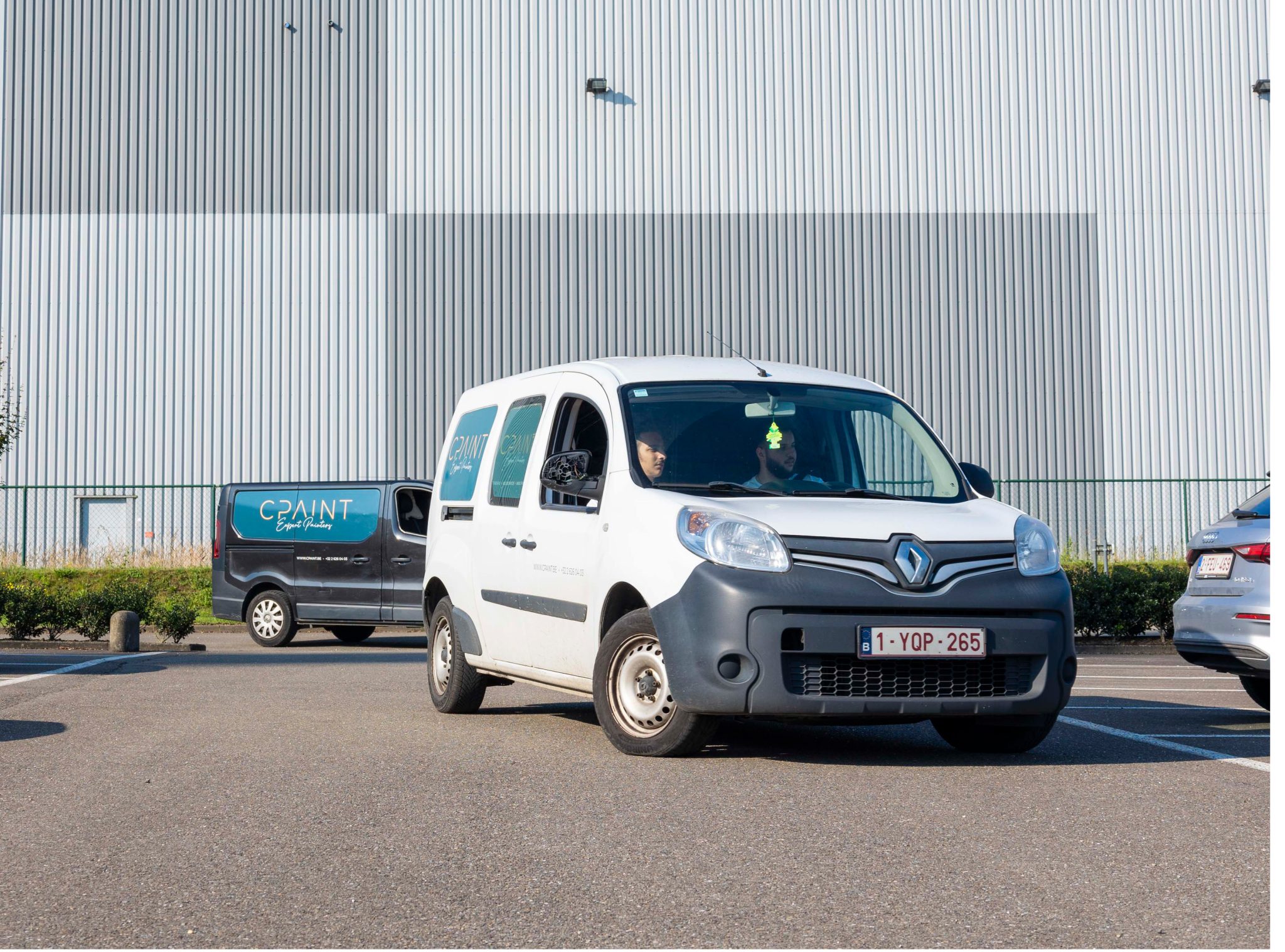
✓ BADGE IN — passengerThe vehicle leaves the yard. The evening mobility tracking is in progress. GPS records the actual driving distance from the yard to the drop-off location and home.
Departure from the shipyard — mobility is underwayThe driver drops off the passenger at the agreed-upon location (home or carpool parking lot). The passenger swipes their badge to check out before getting out of the car.
Drop-off — OUT badge for passengersThe passenger uses his red Dallas key on the left side. This completes his evening mobility registration. His mobility allowance for the day has now been fully calculated.
✓ BADGE OUT — passengerThe driver is driving to his home. The trip is still active—he will end it by swiping his OUT badge before getting out of the car.
Arrival at place of residence — OUT badge requiredThe driver uses his red Dallas key on the left side. The entire day is now correctly recorded: morning and evening commutes, on-site work, and all reimbursements automatically calculated.
✓ BADGE OUT — driver | FULL DAYAs soon as the passenger swipes their badge IN on the right-hand side, the system recognizes the driver as a "driver with passengers" — the highest mobility rate, valid from the first kilometer. A forgotten badge automatically results in a lower rate and less compensation for the driver.
There are eight common scenarios. Which scenario do you recognize for your teams?
View all 8 scenarios →AllConnects automatically records this entire day: the Dallas key in the vehicle determines who is the driver and who is the passenger, and links the mobility allowance under PC 124 to the performance record at the worksite.
Would you prefer to check in using your smartphone, without a Dallas key?
The PrestaMob app combines mobility and performance tracking in a single app—fully digital, with no hardware required in the vehicle. Ideal for teams that want to work flexibly using their own smartphones.
No more debates about mobility and performance
Trips, hours, and travel are automatically recorded and transparent to everyone. This helps you avoid disputes and corrections later on.
“Always clear for both HR and the employee”
Our strength? The AllConnects team
Local player
As a Flemish company with no foreign investors, we make decisions in close consultation with our customers. With local partners and a deep understanding of the region, we understand how your industry works—and can act quickly when needed.
Future Proof Technology
You want your systems to just work. That’s why we choose reliable hardware and solutions that have been tested in real-world conditions—even on busy construction sites. Installation is quick and easy, so your team can get right back to work without any hassle or downtime.
VIP End-to-End Customer Experience
From your first conversation to day-to-day use: you can count on a team that’s proactive and always available. You’ll speak directly with someone who understands your industry and can respond quickly. No ticket numbers—just immediate support whenever you need it.
More solutions for your industry
I need to get this sorted out
Avoid fines and audits. Make sure your attendance and mobility records are airtight.
I want to do this more efficiently
Better visibility into your construction equipment, machinery, and crews—without any extra paperwork.
All solutions, legislation, and customer stories for your industry
Want to be sure your mobility calculation is correct, without any arguments?
No more errors in travel expense reimbursements. Everything is automatically recorded and processed correctly. Belgian, local, and tailored to your specific needs.
Frequently Asked Questions About Mobility and Time Tracking in the Construction Industry
The questions construction companies ask us most often about the mobility allowance, vehicle logging, and the link to performance.
Mobility Allowance
What is the mobility allowance in the construction industry?
The mobility allowance is a reimbursement for workers’ travel to the construction site, as regulated by Joint Committee 124. It is calculated based on the distance traveled and the actual trip, and the rate varies depending on whether the person is driving, riding as a passenger, or traveling alone.
AllConnects automatically calculates that reimbursement based on the vehicle's records, so HR doesn't have to do any manual calculations.
How does the system know who is the driver and who is the passenger?
That determines which side of the badge reader to use. With AllConnects, the driver swipes on the left and the passenger on the right, each with their own Dallas key. As soon as a passenger swipes on the right, the system recognizes the driver as a driver with passengers—the highest fare.
If you forget to scan someone’s badge, the fare will automatically be adjusted to a lower rate. Therefore, it’s important to scan the badge correctly upon departure and arrival so that the driver can be reimbursed.
How does automatic tracking help in calculating the mobility allowance?
The system records when a crew departs, where they stop along the way, and when they arrive at the job site, including stops to pick up coworkers. As a result, both the travel time and the distance are accurate.
At AllConnects, this information comes directly from the vehicle's GPS and badge data, not from a form filled out after the fact.
What if an employee forgets to clock in?
In that case, the record will remain incomplete and the trip will not be closed properly. AllConnects flags such discrepancies so you can correct them before payroll processing, rather than finding out about them during a discussion afterward.
Time and Performance Tracking
What methods of time tracking are available for mobile crews?
With AllConnects, you can choose from three methods: a badge reader in the vehicle, the PrestaMob app on a smartphone, or geofence zones around the job site. They can be used together within the same company.
What is time tracking via geofencing?
With geofencing, a digital zone is established around the job site. As soon as an employee enters or exits that zone, AllConnects automatically records the time. This is useful for crews that work at multiple locations each day, where swiping a badge every time would be cumbersome.
How does timekeeping through an in-vehicle badge reader work?
Every employee has a personal Dallas key. Upon departure and arrival, they hold it up to the reader; the time and location are stored in the AllConnects platform. This same action feeds both the mobility calculation and the performance tracking.
Is registration via the PrestaMob app just as reliable as registration via a vehicle reader?
AllConnects’ PrestaMob app tracks trips using GPS and timestamps on the smartphone. For employees without a company car or those who work at multiple locations, this is the preferred method. If the team is traveling together in a company vehicle, however, the badge reader is more accurate because it also distinguishes between the driver and passengers.
Is timekeeping mandatory on site?
At temporary or mobile construction sites, attendance tracking via Checkinatwork is mandatory. This is a different requirement than the internal time tracking for your payroll, but at AllConnects, the two systems complement each other: the same badge scan can be used for both the RSZ report and your time tracking.
Links and Privacy
Can I integrate this with my payroll or ERP software?
Yes. The recorded hours and travel data can be transferred to your payroll or ERP system via export or an API connection. This way, no one has to retype the data, and you avoid errors in processing.
What about privacy and the GDPR?
Time tracking serves a specific purpose—accurate compensation and accurate time tracking—and the data is stored within that framework. In AllConnects, you can configure which data is visible and to whom, ensuring that time tracking aligns with the provisions of your company’s policies.
Put those agreements in writing and communicate them to your employees; this is a requirement that is independent of the system.