FAQ construction

Frequently asked questions about digital site monitoring and time registration in the construction sector

Do you work in the construction sector and do you want to digitally register who is on your site, which machines are where or when maintenance is required? In this FAQ you will find clear answers to frequently asked questions about time registration , site access with Checkin@Work , document control , machine management and asset tracking .

FAQ construction intro image

Checkin@Work and timekeeping on site.

working smart with digital apps build copy

FAQ 1: What exactly is Checkin@work?

Checkin@Work is a legal requirement that requires you as a construction company to register which employees are present on a site on a daily basis. Our solution automates this process via a badge, vehicle or app. This way you avoid errors, fines and administrative hassle.

➡️ “Read the basic guide to attendance registration on large construction sites”

➡️ “ More about Checkin@Work for the construction sector

FAQ 2: How do my staff automatically register upon arrival at the site?

Employees can be checked in automatically via:

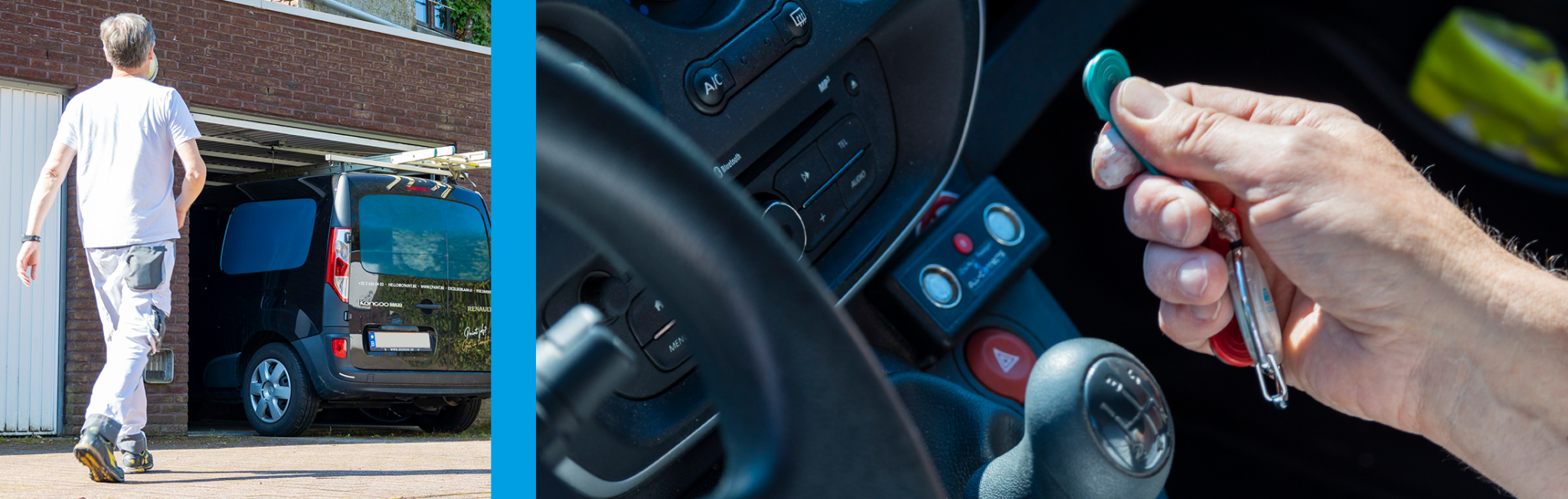
  • a badge reader in the vehicle

  • a time clock on site, with the option to scan with a construbadge, Dallas key, LISA badge, RFID, identity card, company card, Limosa or QR code 

  • via a mobile app with location recognition

  • with QR code

As soon as they identify themselves, the attendance registration is forwarded to the RSZ.

“Read how to register automatically via badge, vehicle, app or time clock”

FAQ-BOUW-checkinatwork-registration-employees-xl

FAQ 3: Can we link document control to Checkin@work?

Yes. Our CONNEQTR module immediately checks whether the employee is in order with VCA, Limosa, instructions, etc. In case of invalid documents, he/she will not be granted access. This way, you are always in order during a check.

Want a complete overview of digital solutions for the construction sector?
Download the free CONSTRUCTION PITCH 2025 and discover how smart technology can save time and money on your construction site.

working smart with digital apps build copy

FAQ 4: Can I combine Checkin@Work with a turnstile or gate?

Yes, this is a commonly used yard solution. Your badge is literally your access card to the yard. The turnstile only opens if you are correctly registered and your documents are in order.

FAQ construction-secure large yards with turnstiles-checkinatwork

FAQ 5: Is there a solution for subcontractors and foreign workers?

Sure! Our flexible badge solutions (ID card, QR code, RFID, Dallas key...) also allow subcontractors and temporary workers to register quickly and easily. Limosa registration for foreign workers is done automatically through our tool.

FAQ-BOUW-CHECKINATWORK-enrollment opportunities

FAQ 6: What if someone tries to enter without a valid badge or registration?

You will receive a notification in the management platform if someone scans an invalid badge. This way you know exactly who tried to enter when — and why it was blocked (e.g. expired Limosa). Do you really want to prevent this person from entering your site? Then choose the connection with a turnstile gate.

FAQ-Access control

FAQ 7: Can we also see how long someone was present on the site via the Checkinatwork registration?

You will receive automatic reports with the check-in time per site and per employee. Is the registration done in the vehicle? Then you have a perfect overview of presences and driving times. Handy for project follow-up, invoicing or post-calculation.

Please note: Checkinatwork only registers the RSZ registration upon arrival. Do you also want a check-out ? Then you should provide an extra time clock at the exit, possibly linked to a turnstile to exclude forgetting - as with our customer Monument Vandekerckhove.

Do you also want to know what and how long someone exactly did for a job? Then our PrestaMob app is the best choice.

FAQ-BOUW-time-recording-employee-vehicle

FAQ 8: Can we also link time registration to mobility allowance?

Absolutely. The combination of track & trace and trip registration allows you to accurately calculate the number of kilometers, breaks and performances per day or per site — without manual paperwork. Ideal for payroll processing or social secretariats. The AllConnects Prestamob app is also a handy tool for this.

“Read more about time and mobility registration via vehicles

FAQ-BOUW-Prestamob-app

FAQ 9: What is the difference between an in-vehicle time registration system and a mobile app?

  • Vehicle-based system : ideal if employees always work with the same vehicle. Badge = registration. Driver recognition can also be used to quickly and easily calculate the mobility allowance for the driver and passengers.

  • Mobile app (such as the Checkin@Work app and PrestaMob) : useful for subcontractors, mobile teams or flexible teams working with different vehicles. Employee registers start, stop, break, customer, site, etc.

FAQ-checkinatwork-vehicle-of-app

FAQ 10: Are there any practical examples of companies using digital construction solutions?

  • You bet – every day , more than 3,000 registrations are processed via our systems on construction sites across Belgium.

    Many companies rely on our solutions for attendance registration, time registration and fleet tracking. Some examples:

    • Monument Vandekerckhove : combines time registration with Limosa follow-up for foreign subcontractors. They use a Checkin@Work time clock linked to a turnstile gate on many historical construction sites – such as the Boerentoren in Antwerp, the Menenpoort in Ypres and the Oud Postkantoor in Lokeren.

    • Ramen Van Tomme : digitized their attendance registration via Checkin@Work with badging.

    Want to know what this could mean for your business? We'd love to think along with you.

FAQ-BOUW-checkinatwork-Monument-Post Office-Locate
FAQ-BOUW-Kurt Van Tomme

Performance and mobility recording in construction

FAQ 1: How can I automatically record performance of mobile shifts?

You can use vehicle-based registration (via badge or key) or via an app such as PrestaMob. With this, working hours, breaks, customer locations and mileage are logged automatically - without paper. Everything comes together neatly in a single dashboard for planning, costing or payroll processing.

working smart with digital apps build copy

FAQ 2: What about breaks and travel?

You can easily co-register these as individual performance types. Employees indicate them in the app or onboard computer. This gives you correct input for payroll, project costing or post-calculation.

working smart with digital apps build copy

FAQ 3: Can we track performance by site or project?

Sure. You can link each performed hour to a specific site, client or project code. Through your dashboard, you see immediately:

  • How many hours where performed

  • Who was present at which yard

  • Whether there are deviations relative to your schedule

working smart with digital apps build copy

Recent news items

Pulvinar tempus justo tristique amet est curabitur sed neque. Nam montes at euismod est integer sagittis egestas senectus. Convallis varius maecenas eu nibh sit est eu euismod. Diam adipiscing interdum ornare in aenean eu et nunc.

Check out these case studies

Pulvinar tempus justo tristique amet est curabitur sed neque. Nam montes at euismod est integer sagittis egestas senectus. Convallis varius maecenas eu nibh sit est eu euismod. Diam adipiscing interdum ornare in aenean eu et nunc.

How a major Belgian contractor is integrating Checkin@work with a physical turnstile at a massive construction site in Anderlecht—and how this is tackling illegal subcontracting while saving on administrative costs: 47,000 attendance reports last month. If you had to do all that manually—it would be an impossible task. Catherine Gerard — Checkin@work Manager, BPC Group

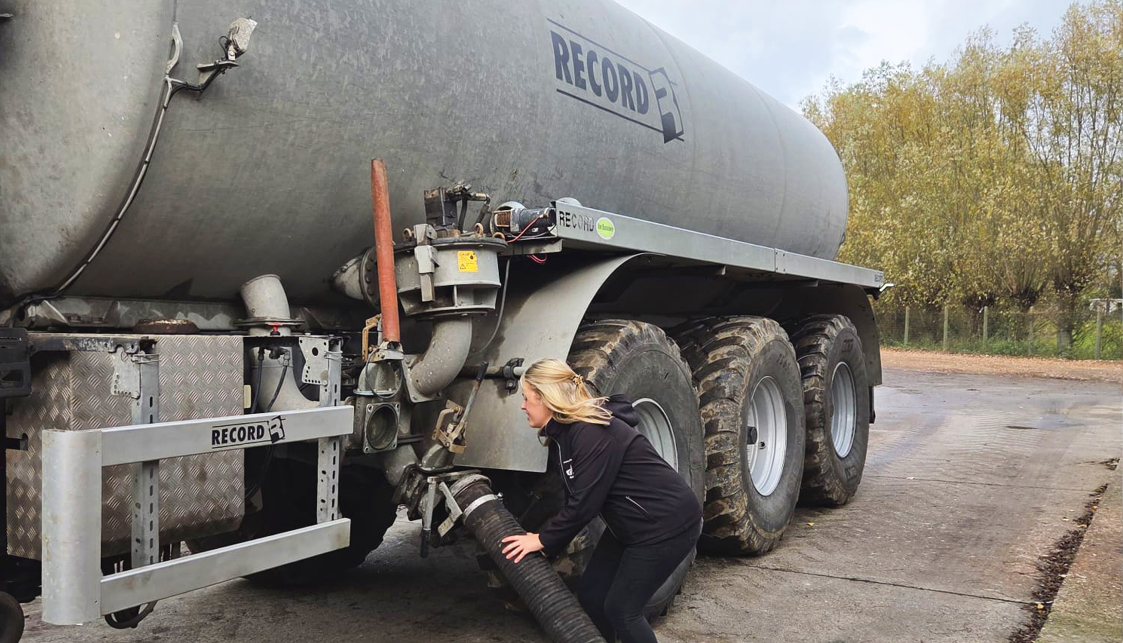
Landbouwwerken De Kocker–De Pestel is a Flemish contracting company that, in addition to various agricultural activities, also transports manure under the strict registration requirements of the Manure Bank. Following a recommendation from a fellow manure transporter, the company switched to AGR-GPS from AllConnects. Manager Jasmine De Pestel particularly appreciates the combination of a stable system and permanent accessibility.
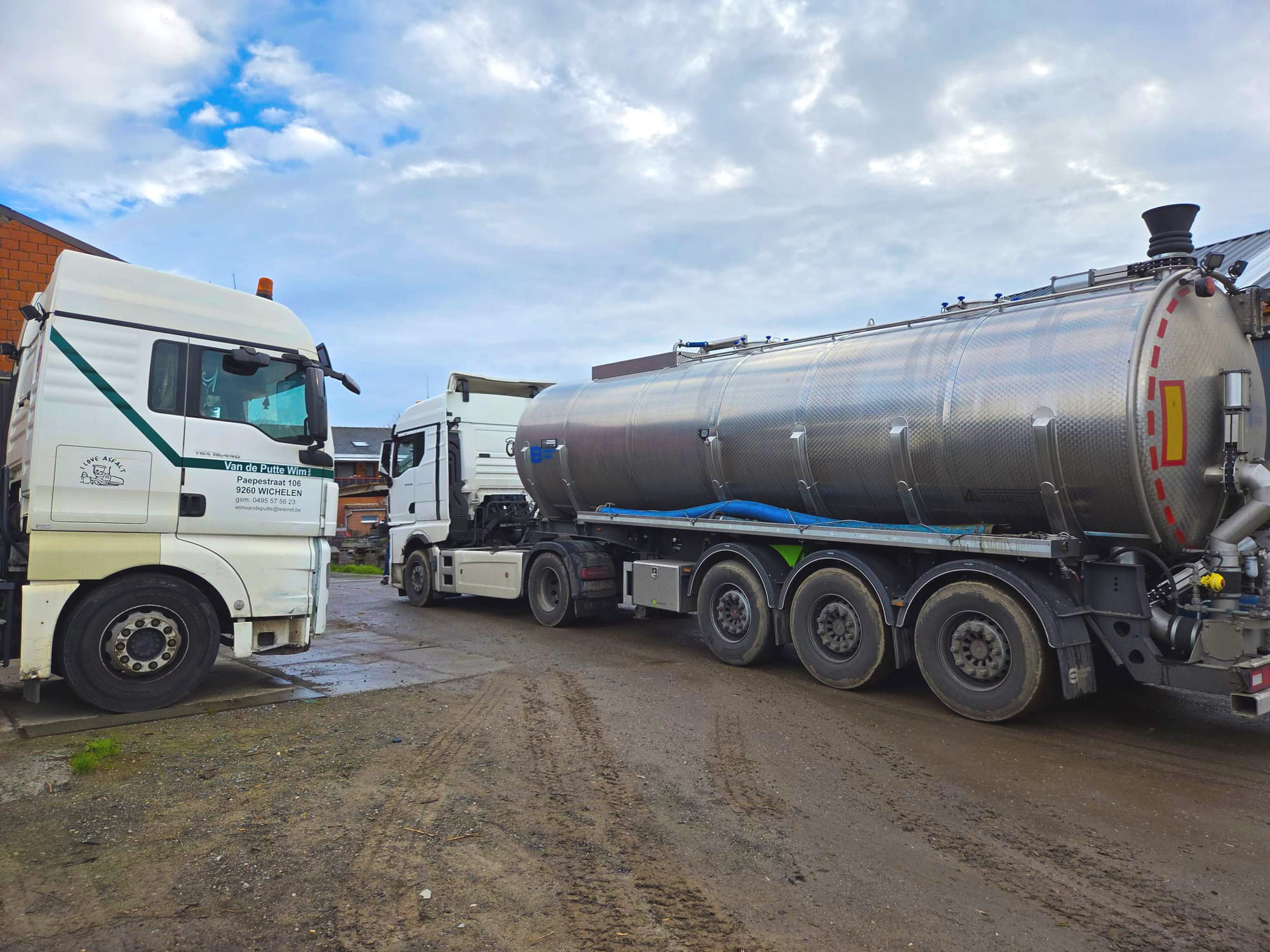
Van de Putte & Co is an agricultural transport company specializing in the transport of manure and digestate. After frustrating experiences with other systems, manager Niels De Mol switched to AGR-GPS from AllConnects—not after a sales pitch, but after learning about the system from a family member. The system alerts

Videos

Pulvinar tempus justo tristique amet est curabitur sed neque. Nam montes at euismod est integer sagittis egestas senectus. Convallis varius maecenas eu nibh sit est eu euismod. Diam adipiscing interdum ornare in aenean eu et nunc.

Solutions

Pulvinar tempus justo tristique amet est curabitur sed neque. Nam montes at euismod est integer sagittis egestas senectus. Convallis varius maecenas eu nibh sit est eu euismod. Diam adipiscing interdum ornare in aenean eu et nunc.

Solution Title

Consectetur sem elit ut feugiat sagittis imperdiet mauris. Aliquet ac at nulla sagittis ut amet arcu eu. Nunc aliquam dictum dictum consequat ullamcorper.

Solution Title

Consectetur sem elit ut feugiat sagittis imperdiet mauris. Aliquet ac at nulla sagittis ut amet arcu eu. Nunc aliquam dictum dictum consequat ullamcorper.

Solution Title

Consectetur sem elit ut feugiat sagittis imperdiet mauris. Aliquet ac at nulla sagittis ut amet arcu eu. Nunc aliquam dictum dictum consequat ullamcorper.

Connect with us

Purus elementum porta eget nullam tellus. Posuere faucibus vitae aliquet faucibus velit mi amet in. A urna posuere facilisi pellentesque maecenas. Felis sodales arcu vitae mi massa pretium. Nulla blandit sollicitudin hendrerit imperdiet rhoncus ac.